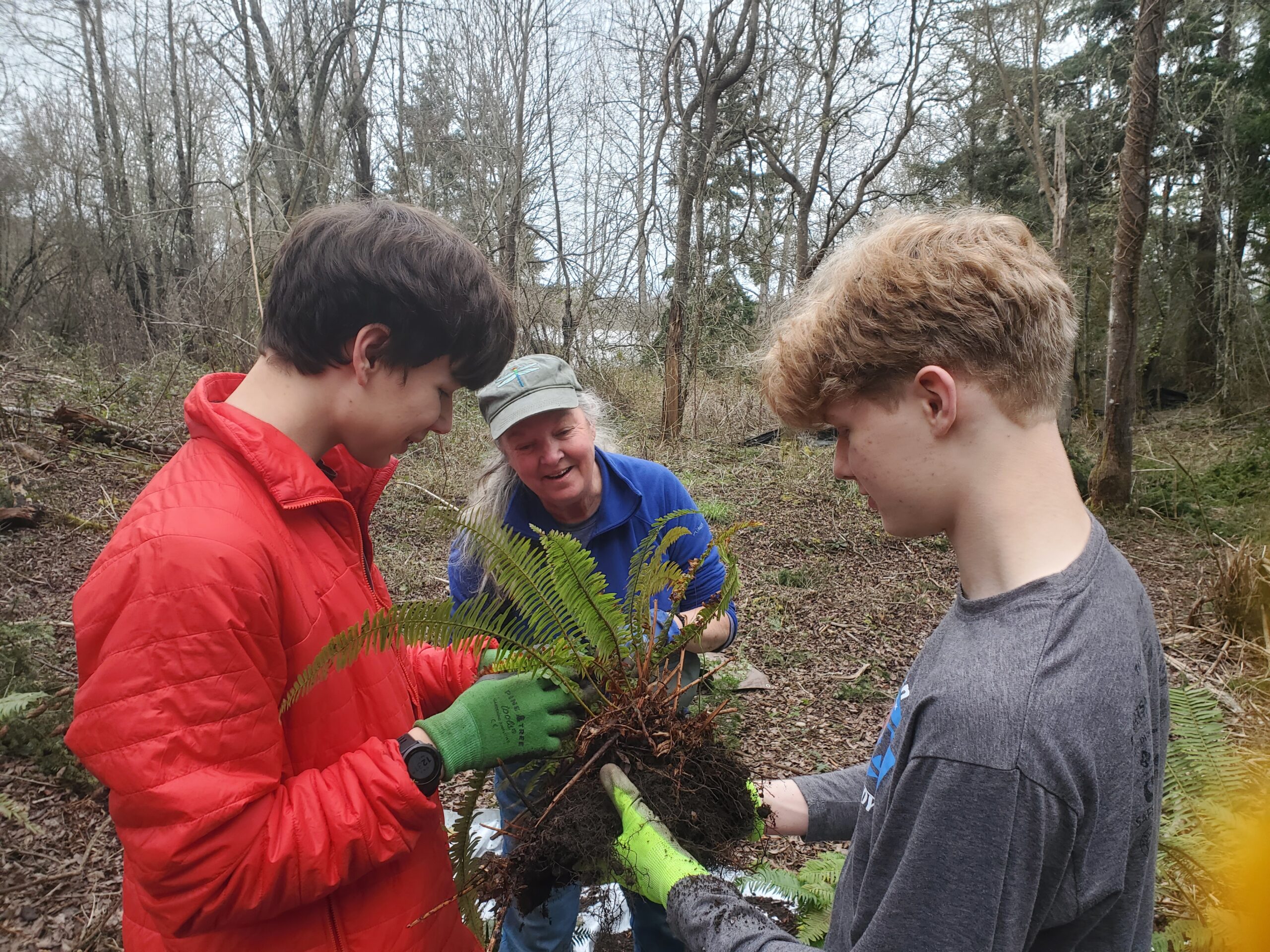
Cultivating Safe Spaces for Young Gardeners
Throughout this site there are links to documents of various file types. Please contact our Statewide Program Leader if you require this information in a different format.
Put the Child First Training
Washington State Extension
Volunteer Education Classes – eXtension.org
This will take you to the page that contains links to three volunteer classes:
- WSU Put The Child First
- Washington State 4-H Financial Management
- Washington 4-H Volunteer Orientation Modules
Click the “Logon” button at the top right portion of the page. If you already have a campus.eXtension.org account, you will be prompted to login. If not, the right-hand side of the page indicates how to establish an account:
Is this your first time here?
You may now use your Google or your Microsoft account to create an account at this site and subsequently log in. If you do not have either of those, then please use the regular email-based procedure through clicking on the “Create new account” button below.
Another alternative is an Account Creation Form provided by our fee-based storefront site which does not require email validation. Upon creating an account there, you will find a link to bring you back to Campus, where you will be automatically logged in. Subsequent logins, though are done directly on this page at Home | Campus.
If you have any problems or questions about creating your account, see the Campus Help Page.
After you have created an account, you should be taken back to the screen with all three classes listed.
Each volunteer will be asked for an enrollment key. Your county group enrollment key is as follows:
WSU Put the Child First – [COUNTYNAMEMG or COUNTYNAME4H]
Example: JEFFERSONMG or JEFFERSON4H
Washington State 4-H Financial Management
AND
Washington 4-H Volunteer Orientation Modules – [COUNTY NAME-(ASOTIN) OR (BENTON/FRANKLIN)
NOTE: Double counties are listed together with a slash for the group enrollment key:
BENTON/FRANKLIN, CHELAN/DOUGLAS, LINCOLN/ADAMS
